
Quick Summary
Paying monthly cPanel or VPS hosting fees for simple web apps, portfolios, and Next.js projects is completely unnecessary. Modern cloud platforms Vercel and Netlify offer high-performance Always Free Hobby Tiers that include unlimited automated deployments, 100 GB of global CDN bandwidth per month, automatic SSL certificates, and custom domain support with zero credit card required on sign up. This comprehensive guide walks you through connecting your GitHub repository and deploying fullstack applications automatically in under 2 minutes.
Key Takeaways
- 100% Free Lifetime Plans: Host unlimited websites and serverless functions without paying monthly fees.
- Automated CI/CD: Pushing code to GitHub or GitLab instantly triggers automated cloud build & preview deployments.
- Free Custom Domain SSL: Free Let's Encrypt wildcard SSL certificates generated and renewed automatically.
- Global Anycast Edge CDN: Ultra-fast site load speeds from over 100 global edge locations worldwide.
- No Credit Card Required: Instant sign-up via GitHub, GitLab, or Bitbucket account.
What are Vercel and Netlify?
Vercel (the creators of Next.js) and Netlify are serverless cloud platforms built specifically for modern frontend frameworks like Next.js, React, Vue, Svelte, Astro, and static HTML sites. Instead of managing web server software like Nginx or Apache on a VPS, these platforms compile and distribute your web app across a global edge delivery network automatically.
Whenever you commit code to your Git repository, Vercel or Netlify automatically pulls your code, runs a production build, creates a unique preview URL, and pushes the updated live version to production within seconds.
Free Tier Feature Breakdown
Both platforms provide developer-friendly free tiers that never expire as long as your site remains within non-commercial hobby guidelines:
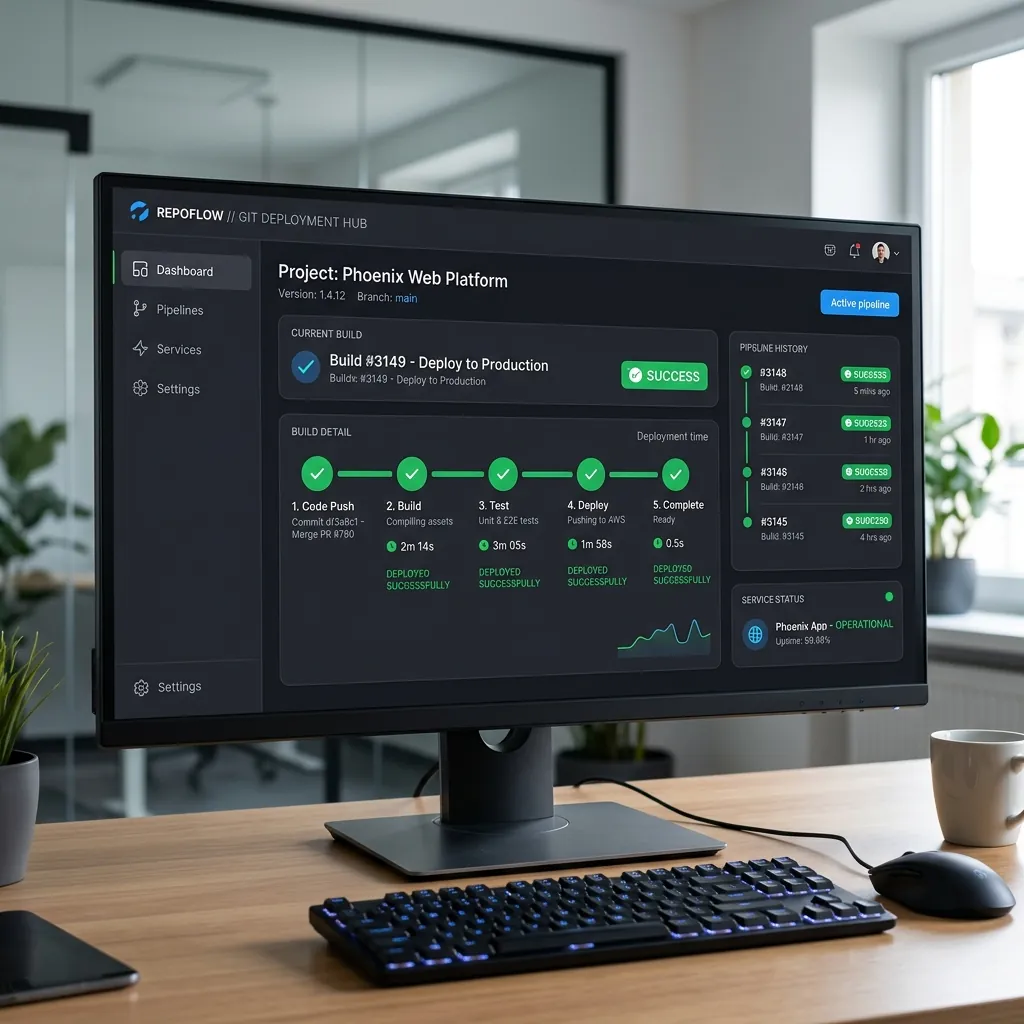
Vercel cloud console tracking Git commit build deployments.
- Vercel Hobby Plan: 100 GB Bandwidth/month, 100,000 Edge Function executions, unlimited project deployments, and free automatic SSL certificates.
- Netlify Free Plan: 100 GB Bandwidth/month, 300 build minutes/month, 125,000 serverless function calls, and automated HTML form submission processing.
- Free Subdomains: Every project receives a free sub-domain ending in
.vercel.appor.netlify.appimmediately.
Step-by-Step Guide: Deploying on Vercel
Deploying a repository on Vercel takes less than 2 minutes:
Step 1: Create a Vercel Account
Visit Vercel Signup Page. Select Hobby (For personal projects) and log in with your GitHub account.
Step 2: Import Your Repository
Click "Add New..." > "Project". Choose your GitHub repository from the list and click "Import".
Step 3: Configure Build & Deploy
Vercel automatically detects your framework (Next.js, Vite, React, HTML). Add any Environment Variables if needed, and click "Deploy". Within 45 seconds, your app will be live globally!
Step-by-Step Guide: Deploying on Netlify
Netlify allows both Git-based automatic deployments and drag-and-drop manual zip deploys:
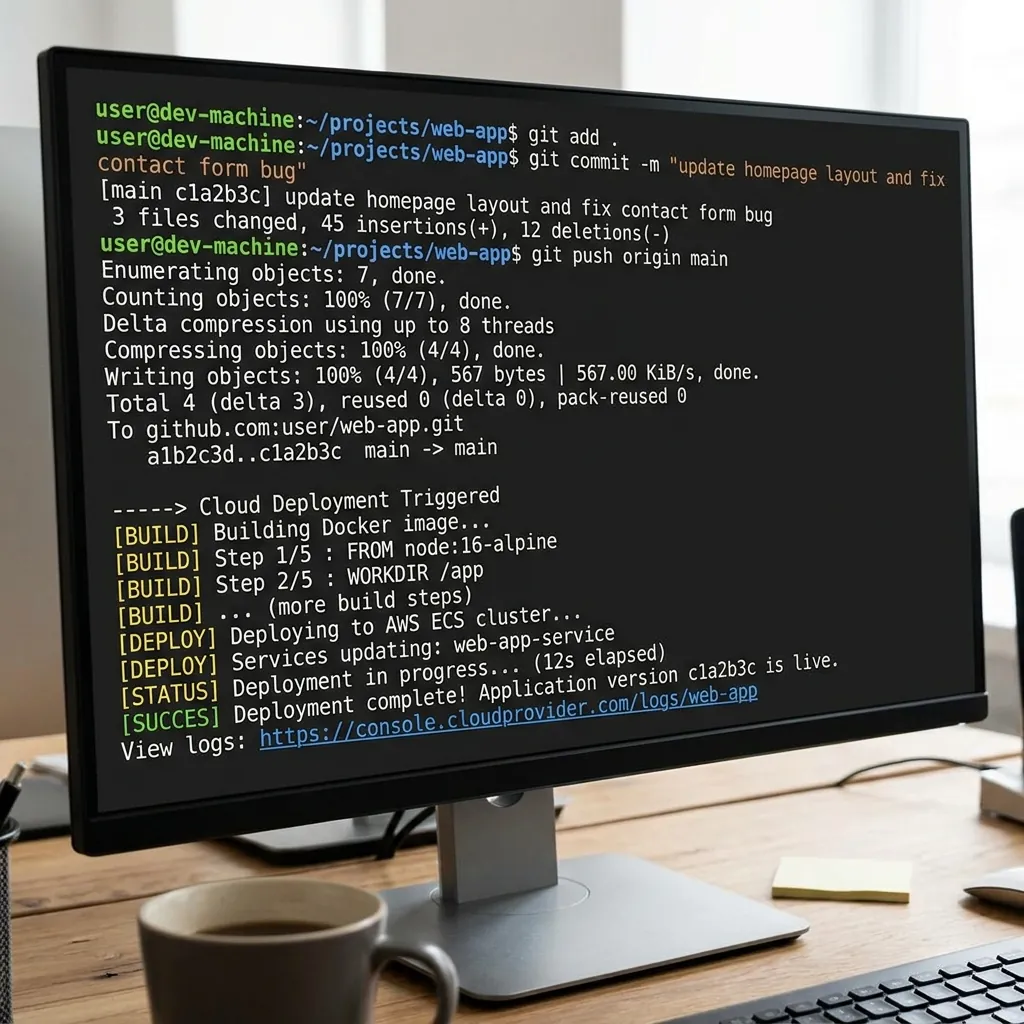
Terminal output showing automated CI/CD pipeline triggers on code push.
Option A: Drag-and-Drop Folder (No Code Method)
Log in to Netlify Dashboard. Drag your website folder (containing index.html) directly into the "Sites" upload dropzone. Your site goes live instantly.
Option B: Connect Git Repository
Click "Add new site" > "Import an existing project". Authorize GitHub, select your repository, and click "Deploy Site".
Connecting Custom Domains & Free SSL Setup
Both Vercel and Netlify allow connecting your own custom domain (e.g. mybrand.com) with free automatic Let's Encrypt SSL certificates:
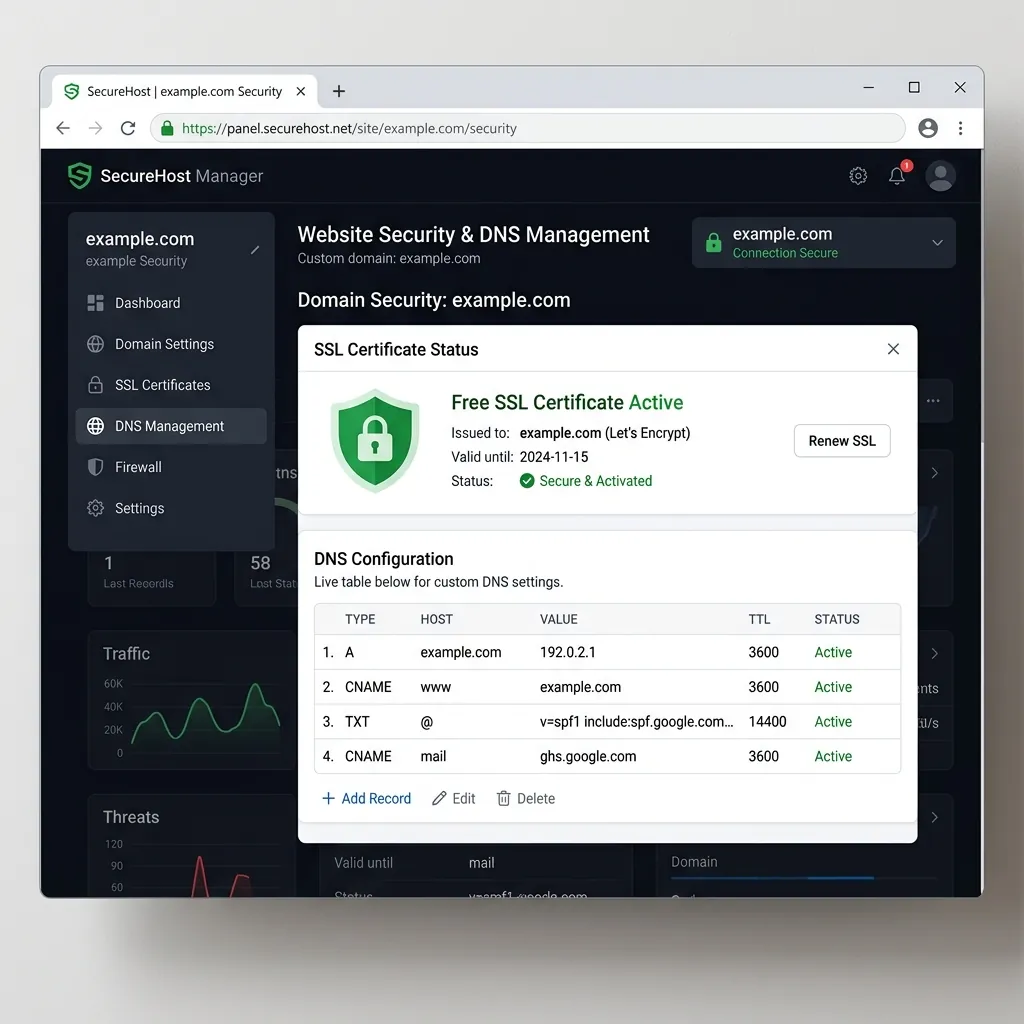
Custom domain settings interface with automatic SSL provisioned.
- Go to Project Settings > Domains in your Vercel or Netlify dashboard.
- Enter your domain name (e.g.,
ziploot.com). - Add the provided CNAME record (e.g.,
cname.vercel-dns.com) or A record in your domain registrar (Namecheap, Cloudflare, GoDaddy). - The system will automatically generate a free HTTPS SSL certificate within 60 seconds!
Vercel vs. Netlify vs. Traditional Hosting Comparison
Here is how modern serverless platforms compare against paid shared hosting:
| Feature | Vercel Free | Netlify Free | cPanel Hosting |
|---|---|---|---|
| Monthly Cost | $0 Forever | $0 Forever | $5 - $15 / Month |
| Monthly Bandwidth | 100 GB | 100 GB | Varies (Limited) |
| Git Integration | Automated CI/CD | Automated CI/CD | Manual FTP/File Manager |
| SSL Certificate | Free Auto-SSL | Free Auto-SSL | Often Paid Extra |
Frequently Asked Questions (FAQs)
Can I host dynamic websites with databases on Vercel or Netlify?
Yes! You can connect serverless functions or frontend frameworks to cloud databases like Supabase, MongoDB Atlas, or PlanetScale for complete fullstack functionality.
What happens if I exceed the 100 GB free monthly bandwidth?
Vercel and Netlify will notify you via email when you reach 80% and 100% of your bandwidth. They do not automatically charge your account without prior authorization.
Do I need a credit card to deploy on Vercel or Netlify?
No. You can sign up using your GitHub, GitLab, or Bitbucket account and deploy unlimited personal projects completely free of charge.
Final Verdict
Vercel and Netlify are the ultimate modern web hosting solutions for developers. Connect your GitHub repository today, enjoy automated global deployments, and save hundreds of dollars on hosting fees.
Disclaimer: This article is strictly for educational purposes and does not constitute financial or technical advice. Always review cloud platform terms of service.