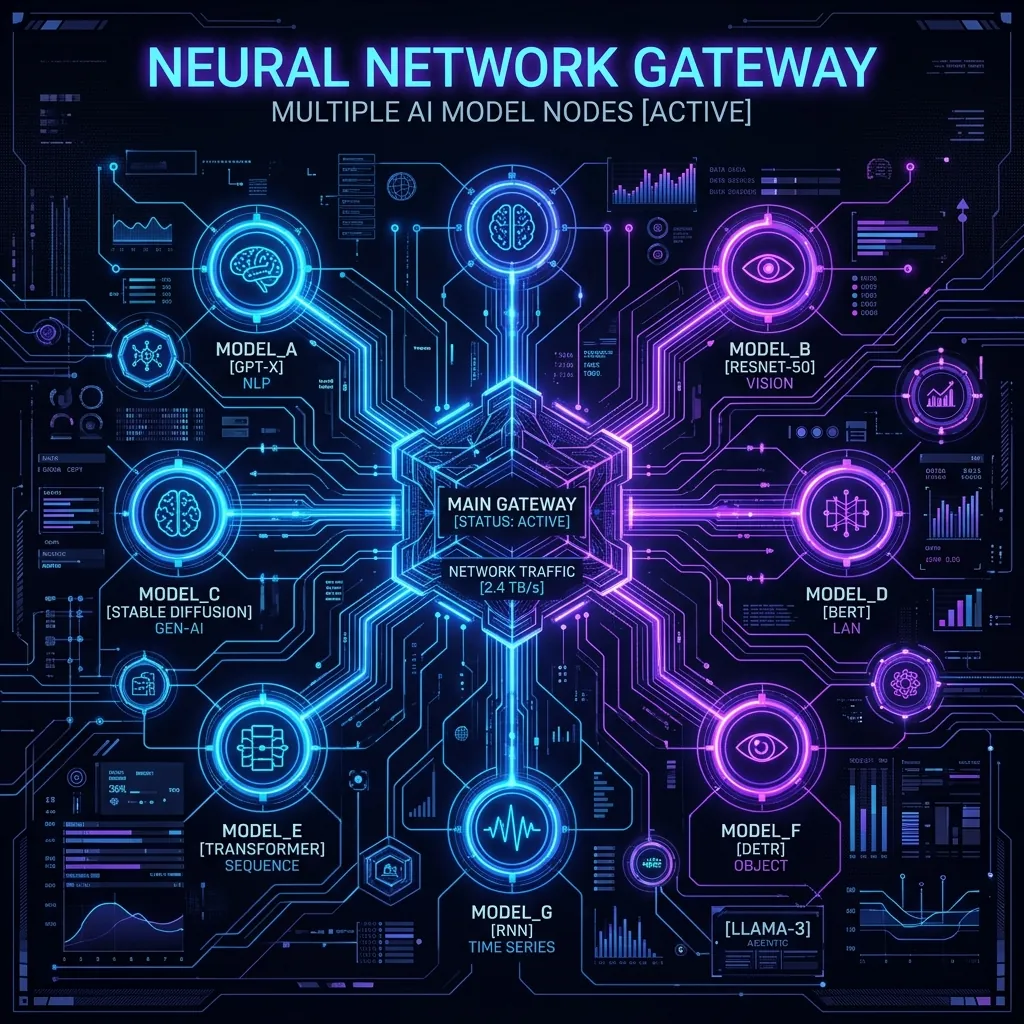
Quick Summary
For developers building AI applications, rate limits on Gemini and Groq can block testing and deployment. Fortunately, OpenRouter offers a unified gateway to access top-tier LLMs—including Claude 3.5 Sonnet, Llama 3.1 70B/405B, and Qwen 2.5—with a dedicated list of "Always Free" models. By generating a free OpenRouter API key (no credit card required), you can plug high-tier AI models directly into OpenAI-compatible clients like OpenClaw, OpenWebUI, and VSCode Cline. This guide walks you through claiming your API key and configuring it step-by-step.
Key Takeaways
- Always Free Top Models: Qwen 2.5 72B, Llama 3.1 70B, Mistral 7B, and Gemma 2 9B are 100% free of charge.
- Unified API Endpoint: One API key grants access to models from Anthropic, OpenAI, Meta, Google, and Mistral.
- OpenClaw Compatibility: Fully compatible with OpenClaw proxy translator for seamless local/client integrations.
- No Credit Card Required: Instant API key generation upon signing up.
What is OpenRouter?
OpenRouter acts as a unified router API for large language models. Instead of signing up for Anthropic, OpenAI, Mistral, and Cohere separately, and configuring individual billing profiles, you connect to OpenRouter using a single, OpenAI-standardized API. OpenRouter automatically routes your requests to the cheapest or fastest provider hosts.
For hobbyists and open-source developers, OpenRouter is a goldmine. They offer many open-source models (like Qwen 2.5 and Llama 3.1) entirely for free, supported by computing sponsorships. If you want to use top-tier models like Claude 3.5 Sonnet, you can load cheap credits (as low as $1) or stick completely to the free models for unlimited development testing.
Always Free Models on OpenRouter
OpenRouter hosts several models with `free` tags that do not require any account balance to query. These are not weak models; they include state-of-the-art open models:
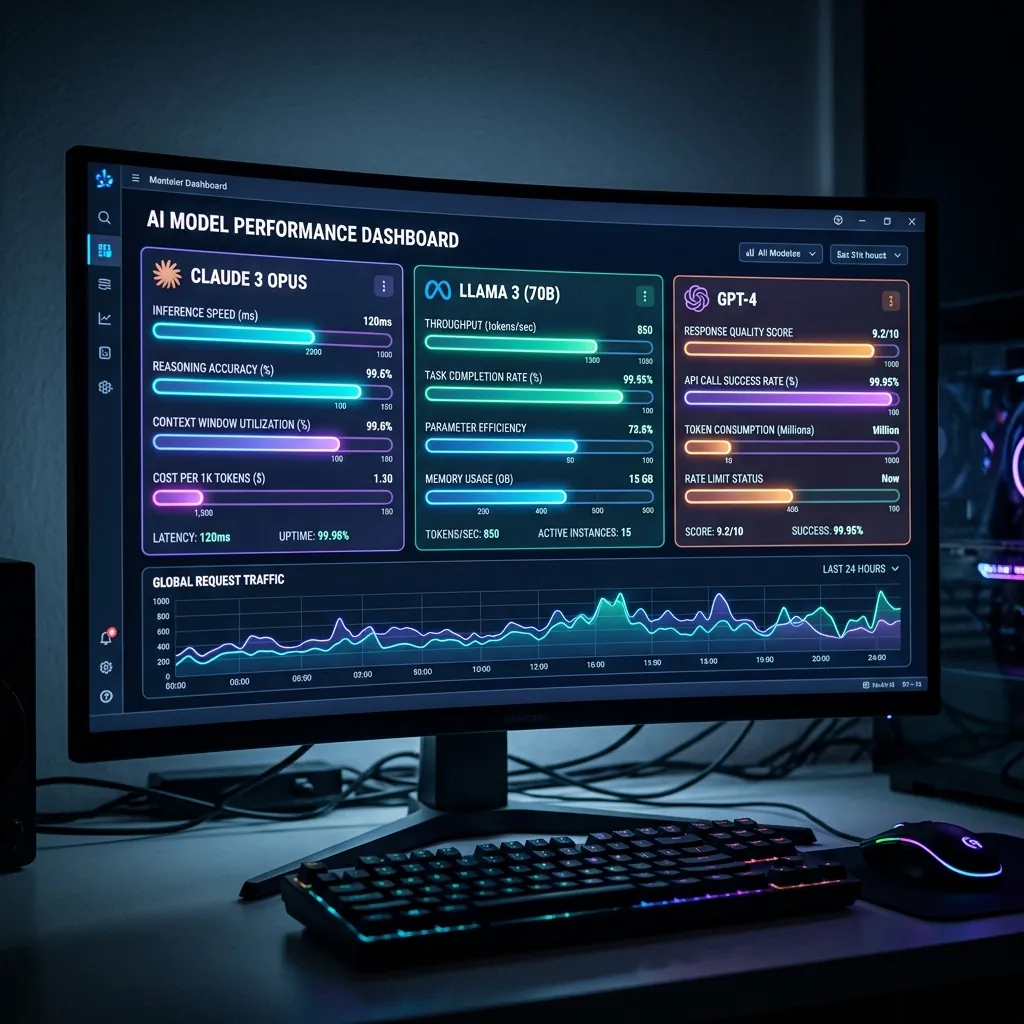
Dashboard representation of available high-performance models.
- Meta Llama 3.1 70B Instruct (Free): `meta-llama/llama-3.1-70b-instruct:free` – A massive model perfect for complex reasoning, coding, and structured data output.
- Alibaba Qwen 2.5 72B Instruct (Free): `qwen/qwen-2.5-72b-instruct:free` – Excellent coding and multilingual model, matching GPT-4 in several synthetic benchmarks.
- Google Gemma 2 9B (Free): `google/gemma-2-9b-it:free` – Blazing fast speed, highly efficient for summarization and agent workflows.
- Mistral 7B Instruct (Free): `mistralai/mistral-7b-instruct:free` – High speed and concise answers, perfect for quick chat interfaces.
Step-by-Step Guide: How to Get Your Free API Key
Follow these steps to claim your free key and configure it in under 3 minutes:
Step 1: Sign Up on OpenRouter
Navigate to the official portal: OpenRouter.ai. Click on Login or Sign Up in the top right corner and log in instantly using Google, GitHub, or Discord.
Step 2: Navigate to API Keys
Once logged in, click on your user profile icon in the top right corner, select Keys from the dropdown menu, or go directly to `openrouter.ai/keys`.
Step 3: Create a New Key
Click on the "Create Key" button. Name your key (e.g. `OpenClaw-Free`) and click Create. Copy the generated key immediately (it starts with `sk-or-...`).
NOTE: For security, this key is only shown once.
OpenClaw Configuration: Plugging in OpenRouter
OpenClaw is a proxy client designed to translate API requests. Since OpenRouter's API is fully compliant with the standard OpenAI format, configuring OpenRouter inside OpenClaw is simple. Follow the configuration settings below:

Configuration architecture mapping OpenRouter to OpenClaw server proxy.
Step 1: Open Your OpenClaw config.toml or .env File
Navigate to your local OpenClaw installation directory and open the configuration file.
Step 2: Map the API Base Endpoint and Key
Update the provider section with the OpenRouter endpoint and your key:
# OpenClaw config.toml configuration snippet

[provider.openrouter]

api_base = "https://openrouter.ai/api/v1"

api_key = "sk-or-v1-xxxxxxxxxxxxxxxxxxxx" # Paste your copied OpenRouter key here

default_model = "meta-llama/llama-3.1-70b-instruct:free"
Step 3: Define Available Models
Map the free model endpoints so OpenClaw client apps (like SillyTavern or chat frontends) can select them:
# Mapping available models list

models = [

 "meta-llama/llama-3.1-70b-instruct:free",

 "qwen/qwen-2.5-72b-instruct:free",

 "google/gemma-2-9b-it:free"

]
Step 4: Test Your Connection
Restart your OpenClaw service and run a quick test query via terminal. You will see a successful response from Llama 3.1 70B without paying a single cent.
Other Developer Client Integrations
If you are not using OpenClaw, you can still plug your free OpenRouter API key directly into other developer tools:

Developer environment configured with AI API integration.
- VSCode Cline: Select "OpenRouter" as the provider, paste your key, and choose `meta-llama/llama-3.1-70b-instruct:free` to get free programming assistance.
- OpenWebUI: Add a custom OpenAI connection with API base `https://openrouter.ai/api/v1` and your API key. It will fetch all free models automatically.
- Python/NodeJS Scripts: Use the standard OpenAI SDK and point `base_url` to OpenRouter for zero-cost automation.
Frequently Asked Questions (FAQs)
Are there rate limits on free models?
Yes. While these models are free, OpenRouter applies a global rate limit (typically around 10-20 requests per minute per user) to prevent abuse. This is still more than enough for development, debugging, and personal projects.
Can I access paid models like Claude 3.5 Sonnet without a credit card?
To access premium paid models, your account must have a positive balance. However, OpenRouter does not require a card; you can load credit using cryptocurrency or one-time payment processors starting at just $1.
Does OpenRouter log my API keys or prompts?
OpenRouter values developer privacy. You can opt out of prompt logging under your account settings to ensure all your queries and codes remain fully confidential and are not saved on their endpoints.
Disclaimer: This article is strictly for educational purposes and does not constitute financial or technical advice. Always read terms of service when registering for API keys.