Technical Summary
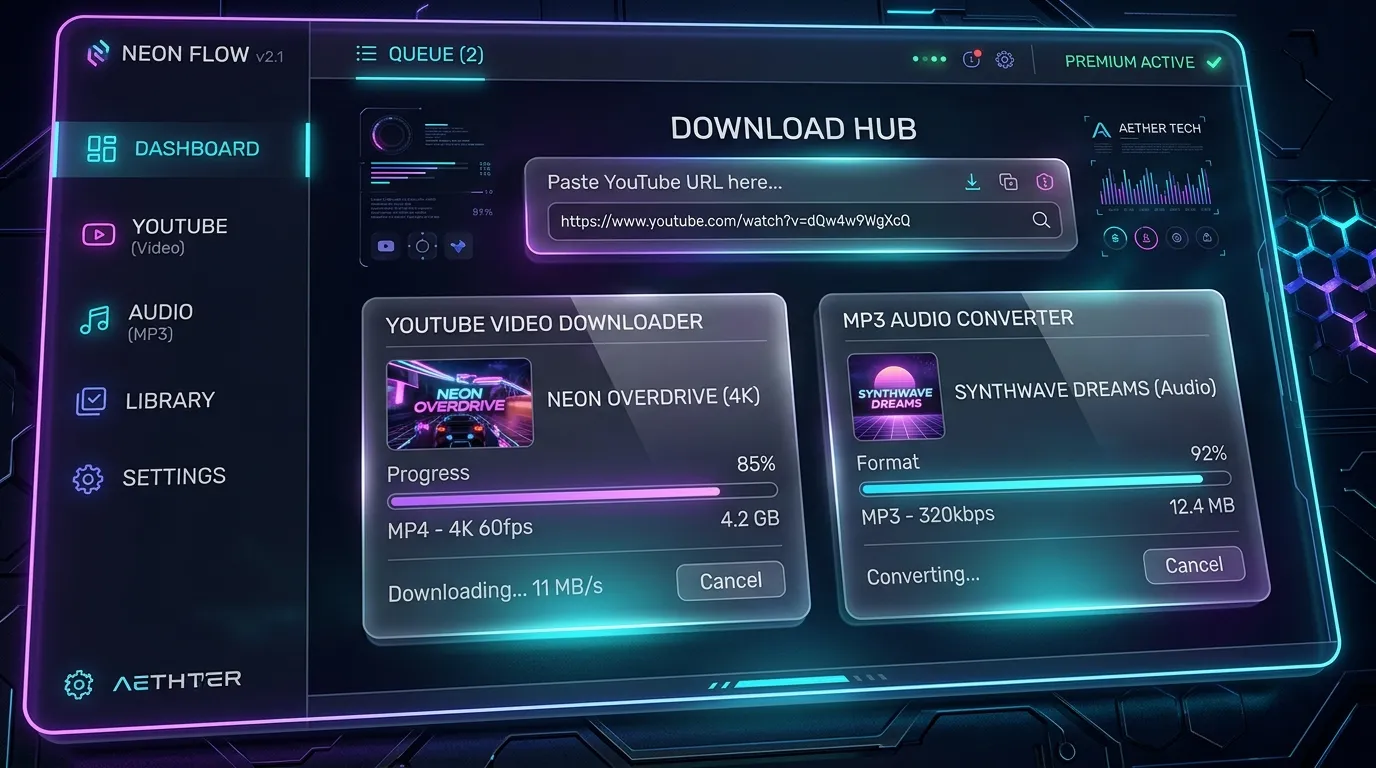
Most free YouTube downloaders on the internet are plagued with malicious redirects, aggressive popup ads, 360p quality caps, and broken audio tracks. In this comprehensive developer guide, we reverse-engineer the ultimate self-hostable 100% Free YouTube Video & MP3 Downloader Studio supporting up to 4K UHD 60fps video downloads, high-bitrate 320kbps MP3 extraction, and automated FFmpeg audio-video merging with complete source code and 1-click installer scripts. 💬 FAQs & Solutions ↓
🚀 1-Click Multi-OS Auto-Installer (Recommended)
To download dependencies, setup virtual environment, and launch your YouTube Downloader Studio in 1-click, run the command for your OS:
For Windows (PowerShell):
iwr -useb "https://github.com/Ziplootapp/youtube-video-mp3-downloader/archive/refs/heads/main.zip" -OutFile "$env:TEMP\yt.zip"; Expand-Archive -Path "$env:TEMP\yt.zip" -DestinationPath "$env:TEMP\yt-app" -Force; Set-Location "$env:TEMP\yt-app\youtube-video-mp3-downloader-main"; .\deploy_windows.batFor Linux & macOS (Bash):
curl -sL https://github.com/Ziplootapp/youtube-video-mp3-downloader/archive/refs/heads/main.zip -o /tmp/yt.zip && unzip -o /tmp/yt.zip -d /tmp/yt-app && cd /tmp/yt-app/youtube-video-mp3-downloader-main && chmod +x deploy_linux.sh && ./deploy_linux.sh🛠️ Manual Step-by-Step Code Setup
If you prefer creating the files manually on your machine or deploying to a cloud VPS server, follow the 3 steps below to write the complete backend engine and frontend web studio interface.
Step 1: Create requirements.txt
flask>=3.0.0
flask-cors>=4.0.0
yt-dlp>=2026.01.01
pillow>=10.0.0
Step 2: Create Python Backend Engine (app.py)
This script powers the core extraction engine using yt-dlp and invokes FFmpeg to merge high-resolution 4K video streams with high-bitrate audio:
import os
import subprocess
from flask import Flask, request, jsonify
from flask_cors import CORS

app = Flask(__name__, static_folder='.')
CORS(app)

DOWNLOAD_DIR = os.path.join(os.path.dirname(__file__), 'downloads')
os.makedirs(DOWNLOAD_DIR, exist_ok=True)

@app.route('/api/info', methods=['POST'])
def get_info():
 data = request.json or {}
 url = data.get('url')
 if not url:
 return jsonify({'status': 'error', 'message': 'YouTube URL required'}), 400

 cmd = ['yt-dlp', '--dump-json', '--no-warnings', url]
 res = subprocess.run(cmd, capture_output=True, text=True)
 if res.returncode != 0:
 return jsonify({'status': 'error', 'message': 'Failed to extract video info'}), 500

 import json
 info = json.loads(res.stdout)
 return jsonify({
 'status': 'success',
 'title': info.get('title'),
 'thumbnail': info.get('thumbnail'),
 'duration': info.get('duration_string'),
 'uploader': info.get('uploader')
 })

@app.route('/api/download', methods=['POST'])
def download():
 data = request.json or {}
 url = data.get('url')
 format_type = data.get('format', 'mp4') # 'mp4' or 'mp3'

 if format_type == 'mp3':
 cmd = ['yt-dlp', '-x', '--audio-format', 'mp3', '--audio-quality', '0', '-o', f'{DOWNLOAD_DIR}/%(title)s.%(ext)s', url]
 else:
 cmd = ['yt-dlp', '-f', 'bestvideo+bestaudio/best', '--merge-output-format', 'mp4', '-o', f'{DOWNLOAD_DIR}/%(title)s.%(ext)s', url]

 res = subprocess.run(cmd, capture_output=True, text=True)
 if res.returncode == 0:
 return jsonify({'status': 'success', 'message': 'Download & Merging Completed!'})
 return jsonify({'status': 'error', 'message': 'Download failed'}), 500

if __name__ == '__main__':
 print("🚀 ZipLoot YouTube Downloader Engine running on http://127.0.0.1:5000")
 app.run(host='0.0.0.0', port=5000)
Step 3: Create Web Studio UI (index.html)
Here is the glassmorphism dark UI interface allowing users to paste links, select 4K MP4 or 320kbps MP3, and download seamlessly:
<!DOCTYPE html>
<html lang="en">
<head>
 <meta charset="UTF-8">
 <title>YouTube Video & MP3 Downloader Studio</title>
 <style>
 body { background: #07090e; color: #fff; font-family: sans-serif; padding: 40px; }
 .card { background: rgba(255,255,255,0.05); padding: 30px; border-radius: 16px; max-width: 600px; margin: 0 auto; }
 input, select, button { width: 100%; padding: 12px; margin-top: 10px; border-radius: 8px; border: none; }
 button { background: #818cf8; color: #fff; font-weight: bold; cursor: pointer; }
 </style>
</head>
<body>
 <div class="card">
 <h2>🎬 YouTube Video & MP3 Downloader</h2>
 <input type="text" id="ytUrl" placeholder="Paste YouTube URL here...">
 <select id="formatSelect">
 <option value="mp4">📹 MP4 Video (Up to 4K UHD)</option>
 <option value="mp3">🎵 MP3 Audio (320kbps Studio Quality)</option>
 </select>
 <button onclick="startDownload()">Download Now</button>
 <div id="statusMsg" style="margin-top: 15px; color: #4ade80;"></div>
 </div>
 <script>
 async function startDownload() {
 const url = document.getElementById('ytUrl').value;
 const format = document.getElementById('formatSelect').value;
 document.getElementById('statusMsg').innerText = '⏳ Processing download & FFmpeg merging...';
 const res = await fetch('/api/download', {
 method: 'POST',
 headers: {'Content-Type': 'application/json'},
 body: JSON.stringify({url, format})
 });
 const data = await res.json();
 document.getElementById('statusMsg').innerText = data.message;
 }
 </script>
</body>
</html>
Project Specifications & Key Features
- 4K UHD 60fps Video Downloads: Native support for downloading high-resolution video streams up to 2160p 4K 60fps.
- 320kbps MP3 Audio Extraction: Direct high-bitrate audio extraction for YouTube music and podcasts.
- Automated FFmpeg Stream Merging: Automatically merges separate video and audio tracks into a seamless MP4 file.
- 100% Ad-Free & Private: Self-hostable studio running locally on Python Flask with zero third-party tracking or redirects.
Frequently Asked Questions (FAQs)
Is this YouTube Downloader 100% free?
Yes! Because you self-host the open-source engine locally on Python and FFmpeg, it is 100% free with no subscription or download limits.
Can I download 4K videos with audio?
Yes. YouTube stores 4K video and high-quality audio streams separately. Our built-in FFmpeg engine automatically merges them into a single crisp MP4 file.