Technical Overview
The open-source AI landscape shifted dramatically with the release of DeepSeek R1 and DeepSeek V3. Built using a 671B Mixture-of-Experts (MoE) architecture with Multi-head Latent Attention (MLA), DeepSeek R1 matches OpenAI's o1 reasoning performance in complex coding, mathematics, and logic at 1/20th of the API inference cost. In this guide, we detail how to run distilled DeepSeek R1 models locally on your PC for $0 using Ollama, as well as how to access full 671B cloud endpoints via OpenRouter API without paying a subscription. 💬 FAQs & Solutions ↓
DeepSeek R1 Technical Specifications
- Open-Source Architecture: Fully open weights for commercial use under MIT/Apache 2.0 license.
- Distilled Quantized Variants: Distilled Qwen & Llama models available in 1.5B, 7B, 8B, 14B, 32B, and 70B sizes.
- Chain-of-Thought (CoT) Reasoning: Displays real-time reasoning thoughts before outputting code.
- 100% Free Local Execution: Zero internet connection required when running via Ollama.
DeepSeek R1 vs. OpenAI o1 Benchmark Analysis
Benchmark evaluations confirm DeepSeek R1's competitive performance against closed-source commercial models in coding and mathematics:

Benchmark comparison: DeepSeek R1 performance on HumanEval, MATH-500, and Codeforces.
| Benchmark | DeepSeek R1 (671B) | OpenAI o1 | Claude 3.5 Sonnet |
|---|---|---|---|
| MATH-500 (Pass@1) | 97.3% | 96.4% | 78.3% |
| Codeforces Percentile | 96.3% (2029 Rating) | 96.6% | N/A |
| HumanEval Code Pass@1 | 92.8% | 92.4% | 93.7% |
| Licensing / Cost | MIT Open Source ($0) | $20/mo ChatGPT Plus | $20/mo Pro |
Method 1: Running DeepSeek R1 Locally via Ollama ($0)
You can run distilled DeepSeek R1 models locally on Windows, macOS, or Linux using Ollama with zero GPU API charges:
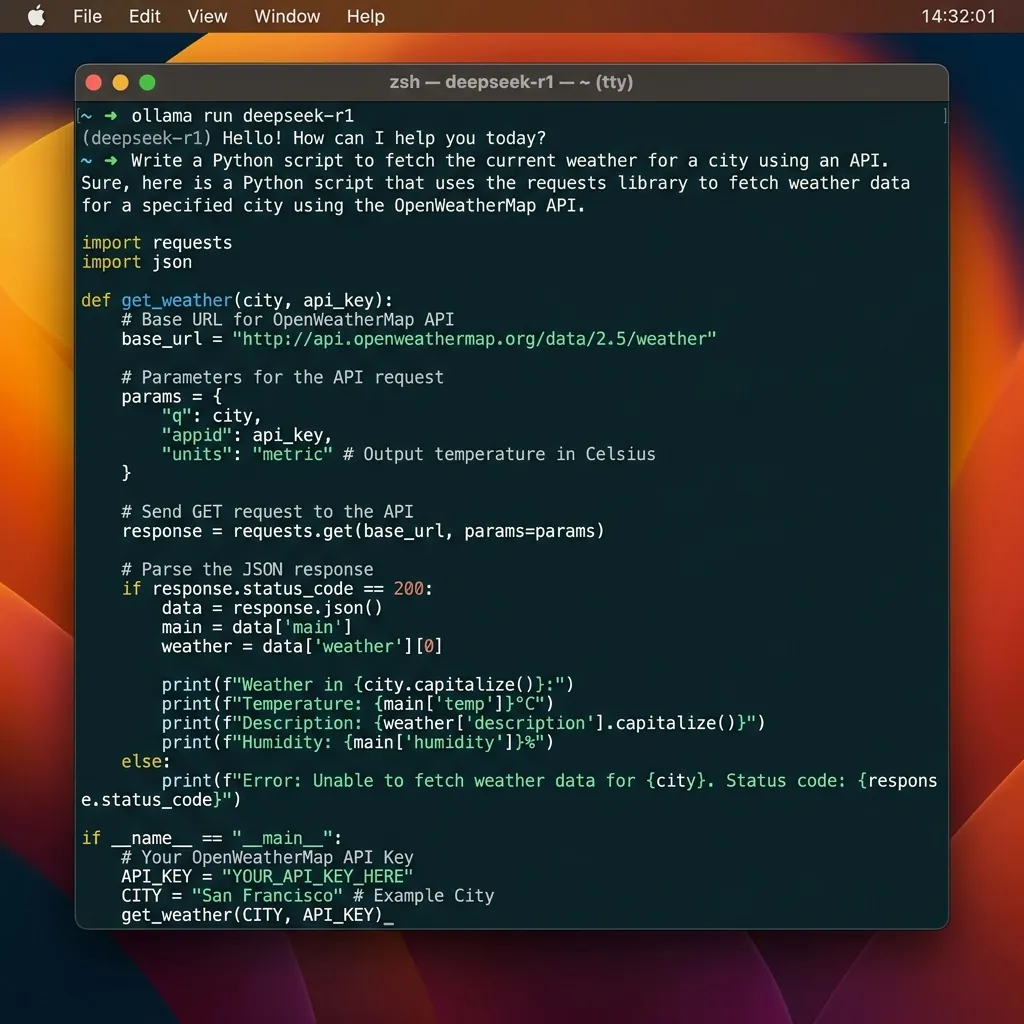
Terminal running deepseek-r1:8b model via Ollama.
Step 1: Install Ollama
Download and install Ollama from Ollama Official Site.
Step 2: Run the DeepSeek R1 Command
Open your terminal or command prompt and run the 8B parameter model (recommended for standard 8GB/16GB RAM PCs):
ollama run deepseek-r1:8bFor lighter PCs (4GB VRAM), run: ollama run deepseek-r1:1.5b
Method 2: Free 671B Cloud Endpoint via OpenRouter API
If your PC lacks dedicated VRAM to run large models locally, you can access the un-distilled 671B DeepSeek R1 model hosted in the cloud for free via OpenRouter:
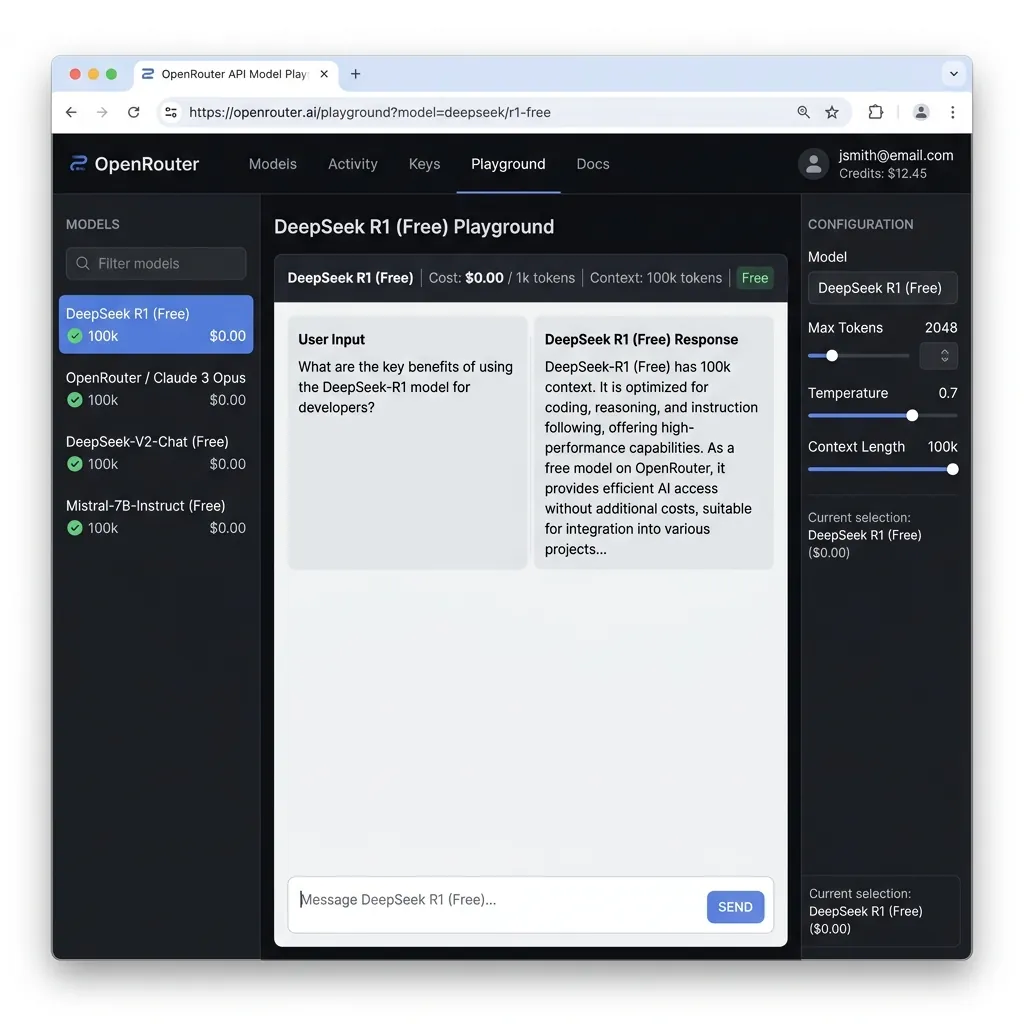
OpenRouter dashboard selecting deepseek/deepseek-r1:free endpoint.
- Sign in to OpenRouter.ai with your Google or GitHub account.
- Go to Keys and click Create API Key.
- Select the model endpoint:
deepseek/deepseek-r1:freeordeepseek/deepseek-chat:free. - Use the standard OpenAI SDK client in Python or Node.js by setting
baseURL="https://openrouter.ai/api/v1".
Method 3: Integrating DeepSeek R1 into VS Code (Roo Code / Continue)
Turn VS Code into a free GitHub Copilot alternative using DeepSeek R1:
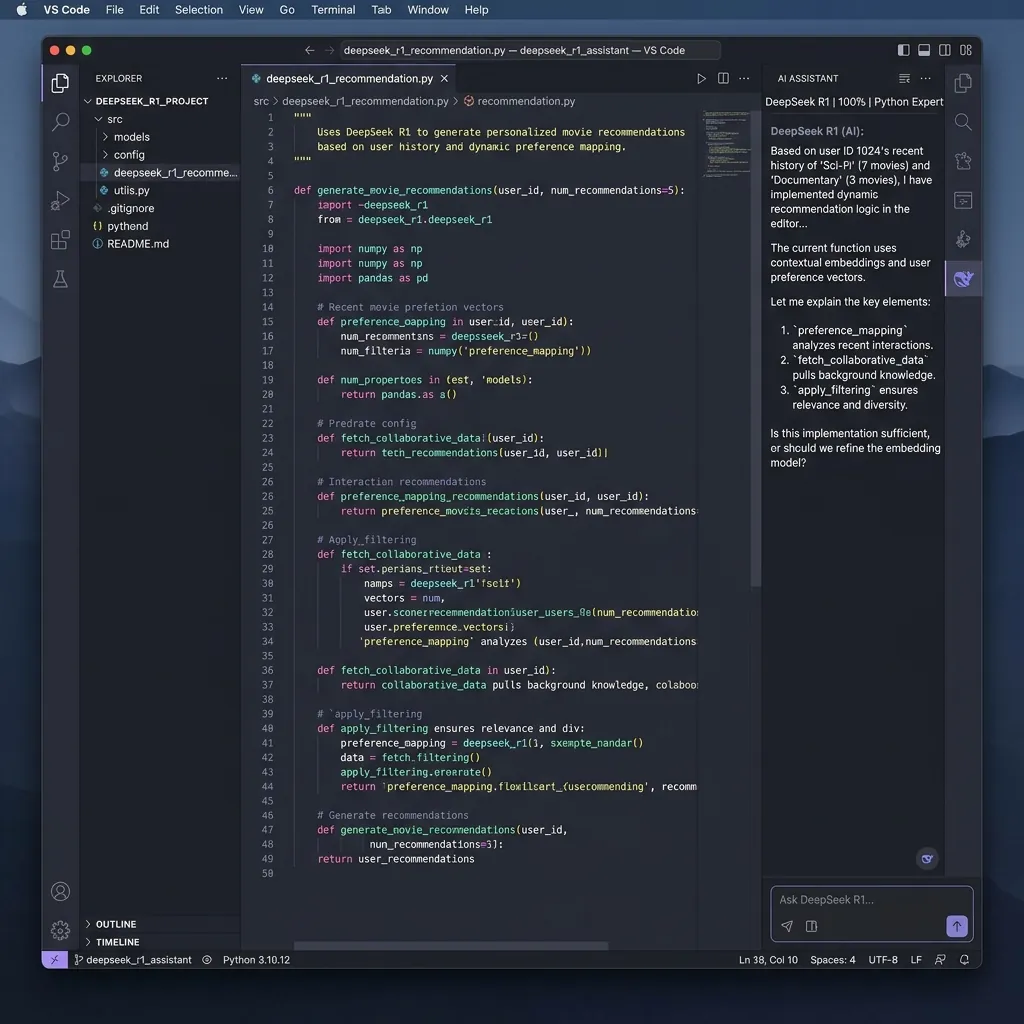
VS Code configured with Continue extension and local Ollama DeepSeek R1 model.
- Install the Continue or Roo Code extension in VS Code.
- Select provider: Ollama (for offline local model) or OpenRouter (for cloud 671B model).
- Use shortcut
Cmd+I/Ctrl+Ito generate complete functions, write unit tests, and debug errors automatically.
Local Hardware Requirements & Model Size Guide
| Distilled Model Variant | Min Required RAM / VRAM | Recommended System Spec |
|---|---|---|
| deepseek-r1:1.5b | 2 GB RAM | Any Laptop / Raspberry Pi |
| deepseek-r1:8b | 8 GB RAM / VRAM | M1/M2 Mac or RTX 3060 |
| deepseek-r1:14b | 16 GB RAM / VRAM | M2/M3 Pro Mac or RTX 4070 |
| deepseek-r1:70b | 48 GB VRAM | Mac Studio or Dual RTX 4090 |
Frequently Asked Questions (FAQs)
Is DeepSeek R1 really 100% free for commercial use?
Yes. DeepSeek R1 open weights are released under permissive open-source licenses, allowing unlimited commercial deployment, fine-tuning, and software integration.
Does local execution require an internet connection?
No. Once downloaded via Ollama, DeepSeek R1 runs completely offline on your computer's local hardware without transmitting code to external servers.
Engineering Verdict
DeepSeek R1 represents a monumental milestone in accessible open-source AI. By combining Ollama for offline privacy with OpenRouter for cloud 671B inference, developers can build state-of-the-art AI applications for $0.
Disclaimer: This article is strictly for educational purposes and does not constitute technical or financial advice. Always adhere to platform usage terms.